Home Office Computers Guide: Choosing the Best Computer for Home Office Use

Updated: Sep 25
Setting up a home office means making smart choices about your equipment. The computer you pick will be the heart of your workspace. It affects your productivity, comfort, and even your mood during work hours. Whether you work from home full-time, run a small business, or enjoy gaming after hours, selecting the right computer is crucial. I want to share practical advice to help you find the perfect fit for your needs.
Understanding Your Home Office Computers Guide
Before diving into specific models or specs, it’s important to understand what makes a computer suitable for home office use. Your work might involve video calls, document editing, graphic design, or data analysis. Each task demands different features.
Here are some key factors to consider:
Performance: Look for a processor and RAM that can handle your workload smoothly.
Storage: Decide between SSDs for speed or HDDs for larger capacity.
Display: A good screen reduces eye strain and improves focus.
Portability: Do you need a desktop or a laptop?
Connectivity: Multiple ports and reliable Wi-Fi are essential.
Budget: Balance features with what you can afford.
Knowing these basics will guide you through the buying process and help you avoid overspending on unnecessary features.
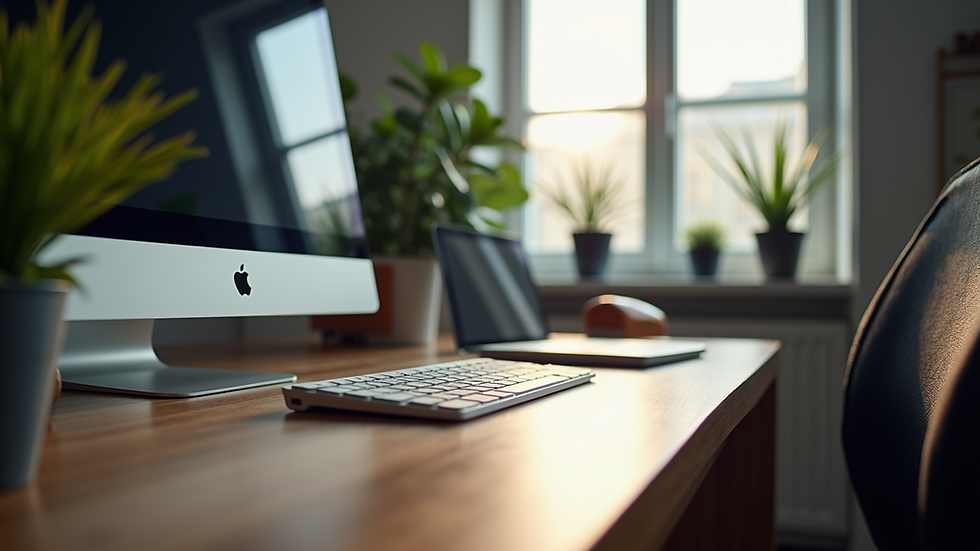
What Type of Computer Is Best for Home Office?
Choosing between a desktop, laptop, or all-in-one depends on your space, mobility needs, and work style.
Desktop Computers
Desktops offer power and upgradeability. They usually provide better performance for the price and have larger screens. If you have a dedicated workspace, a desktop is a solid choice.
Pros:
- More powerful hardware options
- Easier to upgrade components
- Larger displays for multitasking
Cons:
- Not portable
- Requires more desk space
Laptops
Laptops are perfect if you need flexibility. You can work from different rooms or take your work on the go. Modern laptops can be very powerful, but they often cost more for the same specs as desktops.
Pros:
- Portable and compact
- Built-in battery for power backup
- Integrated webcam and microphone for calls
Cons:
- Limited upgrade options
- Smaller screens and keyboards
All-in-One Computers
All-in-ones combine the monitor and computer into one unit. They save space and look sleek but usually cost more and offer fewer upgrade options.
Pros:
- Space-saving design
- Minimal cables and clutter
Cons:
- Limited hardware upgrades
- Can be expensive
Think about your daily routine and workspace before deciding. For example, if you work mostly at a desk and need power, a desktop is ideal. If you move around or have limited space, a laptop or all-in-one might suit you better.
Key Features to Look for in Your Home Office Computer
Once you decide on the type, focus on the specs that matter most for your tasks.
Processor (CPU)
The CPU is the brain of your computer. For most home office tasks, an Intel Core i5 or AMD Ryzen 5 processor is sufficient. If you do heavy multitasking, video editing, or gaming, consider an i7 or Ryzen 7.
Memory (RAM)
RAM affects how many programs you can run smoothly at once. Aim for at least 8GB for general use. If you work with large files or multiple apps, 16GB is better.
Storage
SSD (Solid State Drive): Faster boot times and file access. Recommended for most users.
HDD (Hard Disk Drive): More storage for less money but slower.
A combination of SSD for your operating system and HDD for files is a good balance.
Display
A 24-inch monitor with Full HD (1920x1080) resolution is a good starting point. For graphic design or detailed work, consider a higher resolution or color-accurate screen.
Connectivity
Make sure your computer has enough USB ports, HDMI or DisplayPort outputs, and supports Wi-Fi 5 or Wi-Fi 6 for fast internet.
Peripherals
Don’t forget about a comfortable keyboard, mouse, and possibly a webcam and microphone if your computer doesn’t have them built-in.

How to Choose the Best Computer for Home Office Use
Finding the best computer for home office use means matching your needs with the right features and budget. Here’s a step-by-step approach:
List Your Tasks: Write down what you do daily on your computer.
Set a Budget: Decide how much you want to spend.
Choose the Type: Desktop, laptop, or all-in-one based on your space and mobility.
Check Specs: Use the guidelines above to pick the right processor, RAM, and storage.
Read Reviews: Look for feedback on reliability and performance.
Consider Warranty and Support: Choose a seller that offers good after-sales service.
Test Before Buying: If possible, try the computer in-store to check comfort and speed.
By following these steps, you’ll avoid common mistakes and get a machine that supports your productivity and comfort.
Setting Up Your Home Office Computer for Success
Once you have your computer, setting it up properly is key to a smooth workday.
Ergonomics: Position your monitor at eye level and use a comfortable chair.
Software: Install necessary programs and keep your system updated.
Backup: Use cloud storage or external drives to protect your data.
Security: Install antivirus software and use strong passwords.
Cable Management: Keep your workspace tidy to reduce distractions.
A well-organized setup helps you stay focused and reduces physical strain.
Final Thoughts on Choosing Your Home Office Computer
Choosing the right computer for your home office is an investment in your productivity and comfort. By understanding your needs, comparing options, and focusing on key features, you can find a device that fits your lifestyle and work demands. Remember, the right computer is one that helps you work efficiently without frustration.
If you want to explore options and get expert advice, consider visiting a trusted local store. They can help you find the best computer for home office use and provide support tailored to your needs.
Happy computing!
Comments