Gaming Monitor Selection Guide: Choosing the Right Gaming Monitor

Updated: Sep 25
When it comes to building the perfect gaming setup, the monitor is one of the most important components. A good gaming monitor can elevate your experience, making games look stunning and feel smooth. But with so many options available, how do you pick the right one? I’ve spent time researching and testing various monitors, and I want to share what I’ve learned to help you make an informed choice.
Gaming Monitor Selection Guide: What You Need to Know
Choosing a gaming monitor involves understanding several key features that affect performance and visual quality. Here’s a breakdown of the most important factors to consider:
Resolution: This determines how sharp and detailed the image will be. Common resolutions include 1080p (Full HD), 1440p (QHD), and 4K (Ultra HD). Higher resolution means better image quality but requires a more powerful graphics card.
Refresh Rate: Measured in Hertz (Hz), this tells you how many times the screen updates per second. Higher refresh rates like 144Hz or 240Hz provide smoother motion, which is crucial for fast-paced games.
Response Time: This is how quickly a pixel changes color, measured in milliseconds (ms). Lower response times reduce motion blur and ghosting.
Panel Type: The most common are TN, IPS, and VA panels. TN panels have fast response times but poorer color accuracy. IPS panels offer better colors and viewing angles but can be slightly slower. VA panels provide good contrast but may have slower response times.
Screen Size and Aspect Ratio: Most gaming monitors range from 24 to 32 inches. The aspect ratio is usually 16:9, but ultrawide monitors (21:9) offer a wider field of view.
Adaptive Sync Technology: Features like G-Sync or FreeSync help eliminate screen tearing and stuttering by syncing the monitor’s refresh rate with your graphics card.
Understanding these features will help you narrow down your choices and find a monitor that fits your gaming style and budget.
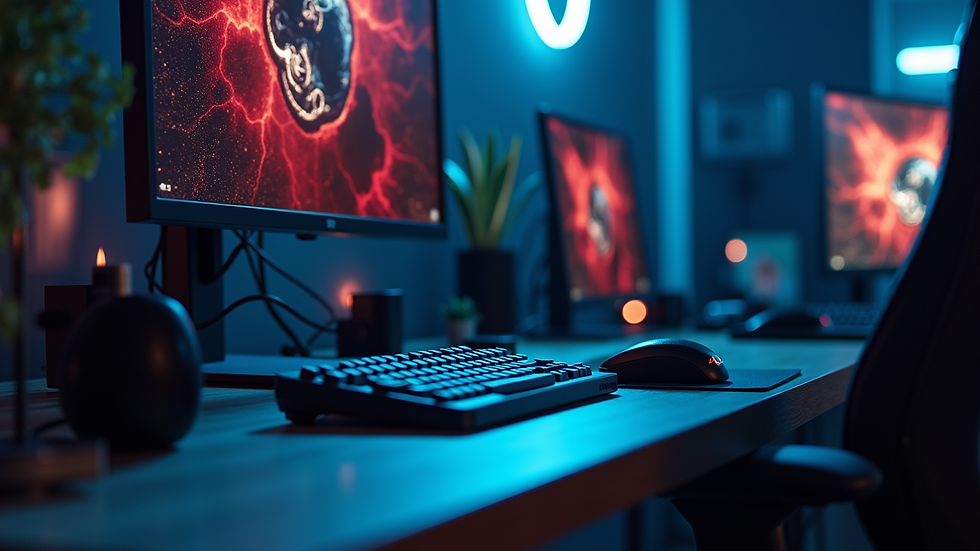
How to Choose a Gaming Monitor That Fits Your Needs
If you want to know more about how to choose a gaming monitor, it’s important to match the monitor’s specs with the types of games you play and your hardware setup.
Casual and RPG Gamers: If you enjoy story-driven games or RPGs, color accuracy and resolution might be more important than ultra-high refresh rates. An IPS panel with 1440p resolution is a great balance.
Competitive FPS Players: For fast shooters, prioritize refresh rate and response time. A 144Hz or 240Hz monitor with a TN or fast IPS panel will give you the edge.
Sim Racing and Flight Sim Fans: Ultrawide monitors with high resolution and good color reproduction enhance immersion.
Hardware Considerations: Make sure your graphics card can handle the resolution and refresh rate you want. For example, running 4K at 144Hz requires a very powerful GPU.
Also, consider connectivity options like HDMI, DisplayPort, and USB ports. Some monitors come with built-in speakers or RGB lighting, which might be nice extras but are not essential.
Is 144Hz or 240Hz Better?
One common question I get is whether to go for a 144Hz or 240Hz monitor. Both offer a significant improvement over the standard 60Hz, but the choice depends on your priorities and hardware.
144Hz Monitors: These are widely available and offer smooth gameplay for most users. They are often more affordable and easier to drive with mid-range graphics cards.
240Hz Monitors: These provide even smoother motion, which can be noticeable in competitive gaming. However, to fully benefit from 240Hz, your PC needs to consistently output very high frame rates, which requires a powerful GPU and CPU.
If you play competitive games like CS:GO or Valorant and want every advantage, 240Hz is worth considering. For most gamers, 144Hz is a sweet spot that balances performance and cost.
Additional Features to Look For in a Gaming Monitor
Beyond the basics, some features can enhance your gaming experience:
HDR Support: High Dynamic Range improves color and contrast, making games look more vibrant. Look for monitors with HDR10 certification.
Curved Screens: Curved monitors can increase immersion by wrapping the image around your field of view.
Ergonomics: Adjustable stands for height, tilt, and swivel help you find a comfortable viewing position.
Blue Light Filter and Flicker-Free Technology: These reduce eye strain during long gaming sessions.
Multiple Inputs: If you plan to connect consoles or multiple PCs, having several HDMI or DisplayPort inputs is useful.
Choosing a monitor with these extras depends on your budget and preferences, but they can make a difference in comfort and visual quality.

Final Thoughts on Selecting Your Gaming Monitor
Picking the right gaming monitor is about balancing your needs, budget, and hardware capabilities. Start by identifying what matters most to you - whether it’s resolution, refresh rate, or color accuracy. Then, check your PC’s specs to ensure compatibility.
Remember, a great monitor can transform your gaming experience, making every frame crisp and smooth. Take your time to research and test if possible. With the right choice, you’ll enjoy countless hours of immersive gameplay.
If you want to dive deeper into how to choose a gaming monitor, there are plenty of resources and guides available to help you make the best decision.
Happy gaming!
Comments